
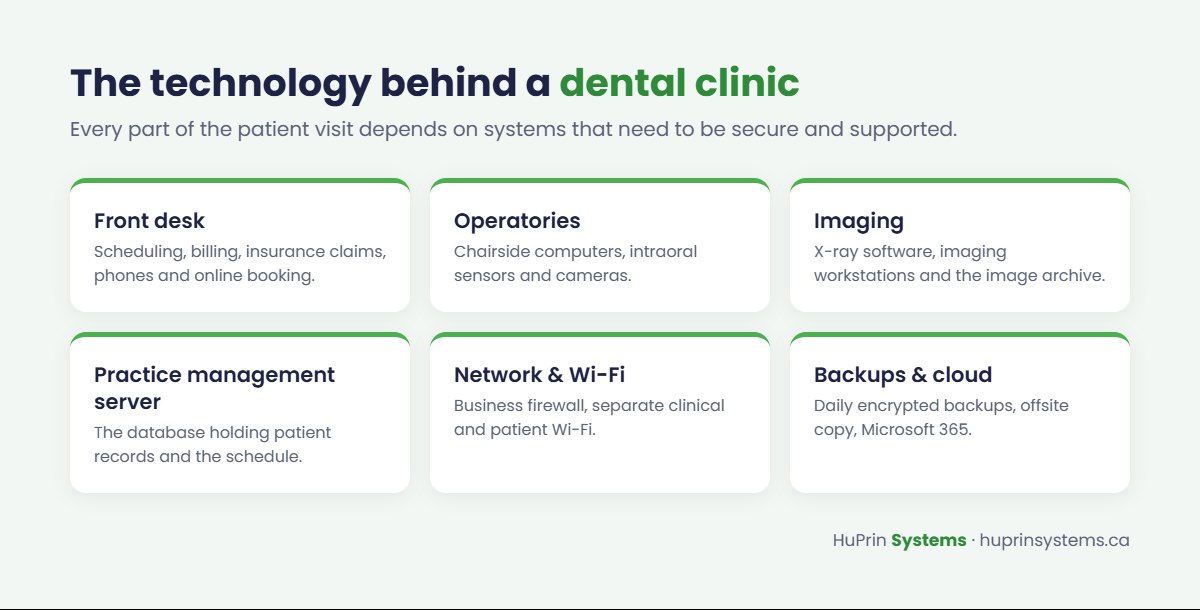
A modern dental clinic depends on technology from the first phone call to the final invoice. Practice management software runs the schedule and billing, digital sensors and imaging systems capture X-rays, and patient records, insurance claims and online booking all live on computers and networks. When any of it fails, chairs sit empty and patients wait.
Dental clinics also hold sensitive health information, which brings legal responsibilities. This checklist covers the IT essentials every Alberta dental clinic should have in place, whether you manage IT yourself or work with a provider.
Your privacy obligations in Alberta
In Alberta, dentists are health information custodians under the Health Information Act (HIA). Since August 31, 2018, custodians have been required to report privacy breaches that create a risk of harm to the affected individuals, the Office of the Information and Privacy Commissioner of Alberta and the Minister of Health. That makes security controls like encryption, access management and backups more than good practice. They are part of protecting your patients and your practice.
This article is a technical guide, not legal advice. Talk to your professional association or a privacy lawyer about your specific obligations.
The dental clinic IT checklist
1. Back up practice management and imaging data every day
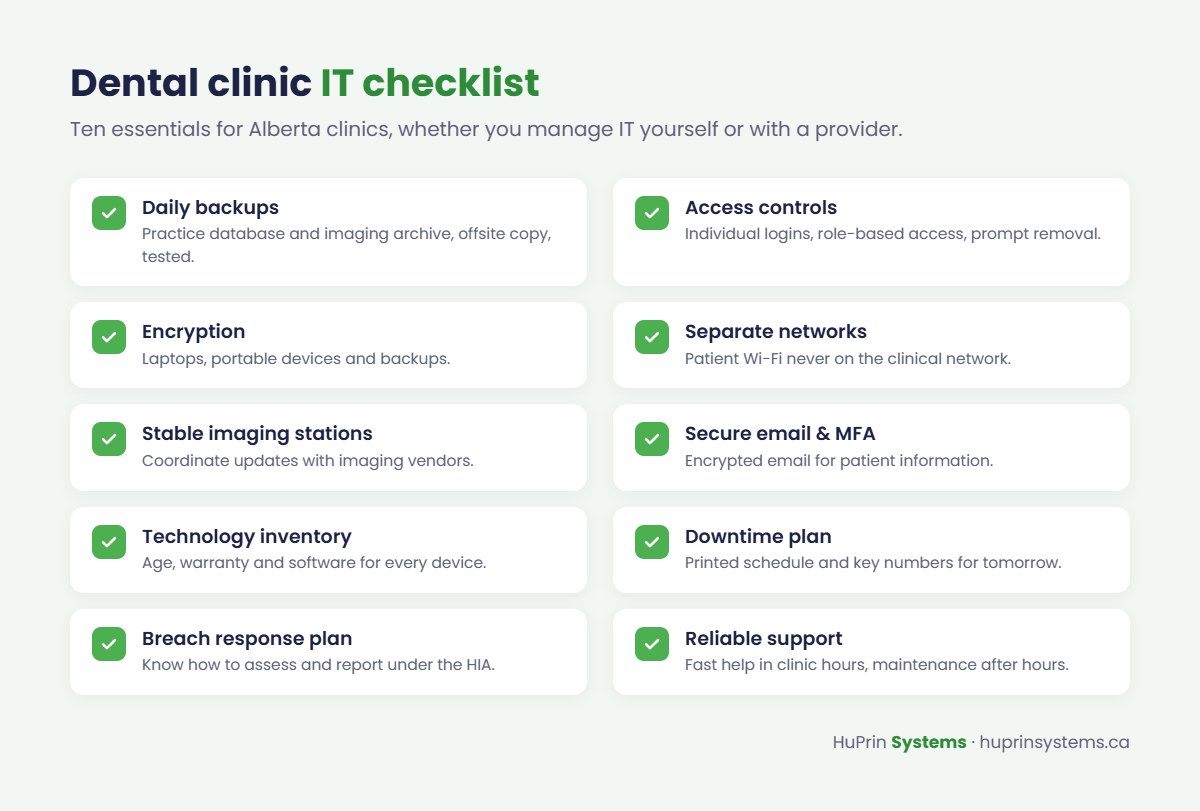
Your practice management database and imaging archive are the heart of your clinic. Back them up automatically every day, keep at least one copy offsite or in the cloud, and test a full restore regularly. Make sure the backup captures the database correctly, not just the files around it.
2. Protect patient records with access controls
Every team member should have their own login, with access limited to what their role needs. Remove accounts promptly when staff leave, and avoid shared passwords at the front desk.
3. Encrypt laptops and backups
Turn on full-disk encryption for laptops and any computer that could leave the clinic, and make sure backups are encrypted. A lost encrypted laptop is an inconvenience. A lost unencrypted one may be a reportable breach.
4. Separate your networks
Patient Wi-Fi should never share a network with your clinical computers. Keep guest Wi-Fi, clinical workstations and imaging equipment, and devices like phones and cameras on separate networks behind a business-grade firewall.
5. Keep imaging workstations stable and supported
Imaging software and sensors often require specific operating system versions and drivers. Coordinate updates with your imaging and software vendors, test before rolling changes out to every operatory, and keep a record of the versions that work together.
6. Secure email and Microsoft 365
Turn on multi-factor authentication for every account and use encrypted email when sending patient information. Train staff to recognize phishing, which is the most common way attackers get into small healthcare offices.
7. Keep a technology inventory
List every computer, server, sensor, printer and network device, with its age, warranty and software. It makes troubleshooting faster and helps you budget for replacements before equipment fails.
8. Plan for downtime
Decide what your team will do if the server or internet goes down: how you will see the day’s schedule, contact patients and record treatment. Keep a printed copy of tomorrow’s schedule and key phone numbers.
9. Have a breach response plan
Know who on your team is responsible for privacy, who to call for technical help and how to assess whether a breach must be reported under the HIA. Acting quickly limits the damage.
10. Get support when the clinic is open, and when it isn’t
Technology problems don’t respect clinic hours. Make sure you can reach a real person quickly during the day, and that updates and maintenance happen after hours so they don’t interrupt patient care.
How HuPrin Systems supports dental clinics
HuPrin Systems provides IT support for dental offices, including practice software, imaging workstations, secure networks, backups and Microsoft 365. We work directly with your software and imaging vendors, provide on-site support in the Calgary area and remote support across Alberta and Canada, and offer a 24/7 help desk in English and French.
Start with a free IT assessment of your clinic. We’ll review your workstations, network, backups and security, and give you a clear plan. Book your assessment or call +1 (888) 576-8234.