If you run a small or mid-sized business in Calgary, you probably don’t have a full IT department. You might have one person who “knows computers,” an outside technician you call when something breaks, or nobody at all. That works until a server fails on a Monday morning, an employee clicks a phishing link, or your backups turn out to be empty when you need them.
Managed IT services solve that problem. Instead of paying someone to fix things after they break, you pay a provider to keep your technology running, secure and supported every day. This guide explains what managed IT services actually include, how pricing usually works, and the questions to ask before you choose a provider.
What are managed IT services?
A managed IT services provider (often called an MSP) takes ongoing responsibility for some or all of your technology for a predictable monthly fee. The provider monitors your systems, applies updates, protects against threats, supports your staff and plans for the future, so problems are prevented or caught early instead of discovered during an outage.
The key difference from traditional “break-fix” support is the incentive. A break-fix technician earns more when things go wrong. A managed provider earns the same fee either way, so it is in their interest to keep your systems stable.
What’s included in a managed IT plan
Every provider packages its services differently, but a complete managed IT plan for a small business should cover these areas:
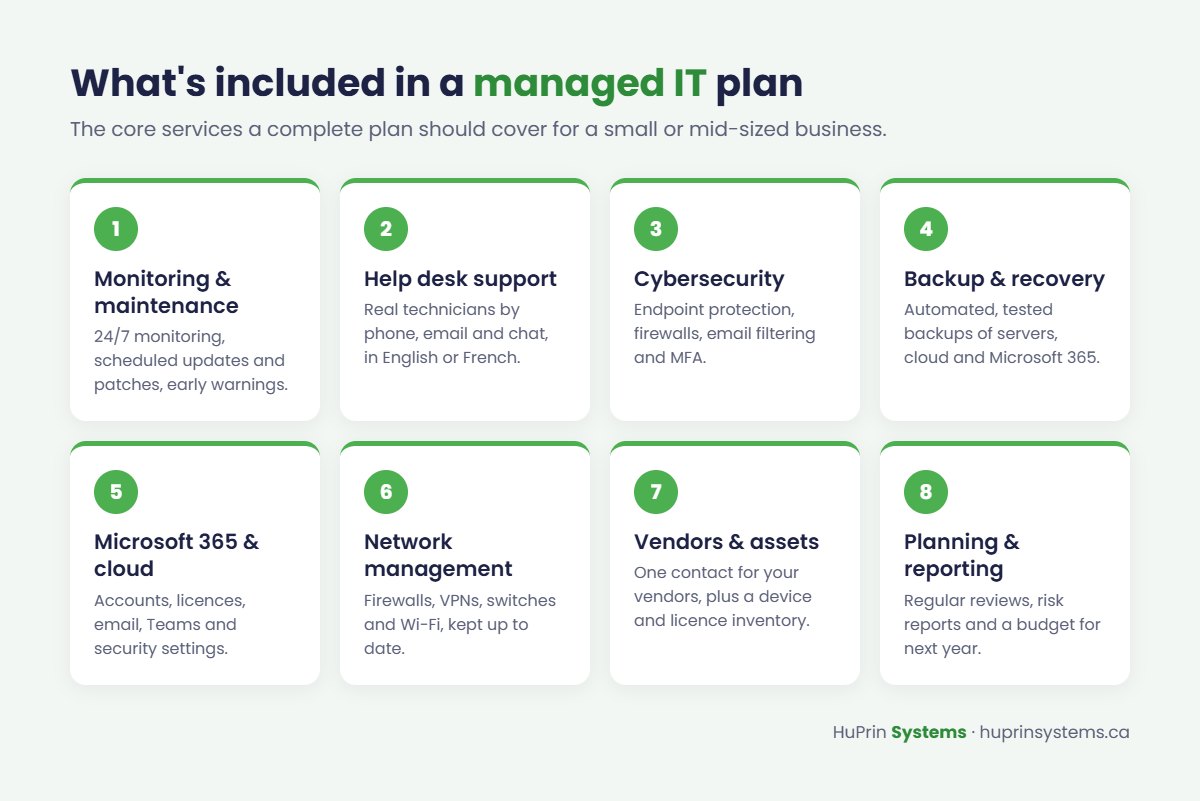
- Proactive monitoring and maintenance. Computers, servers and network equipment are watched around the clock. Updates and patches are applied on a schedule, and warning signs like a failing drive are handled before they cause downtime.
- Help desk support. Your employees can call, email or chat with a real technician when something isn’t working. Ask whether support is available after hours and in French if your team or customers need it.
- Cybersecurity. Endpoint protection, firewall management, email filtering, multi-factor authentication and security awareness for staff. Security should be built into the plan, not sold as an afterthought.
- Backup and recovery. Automated backups of your servers, cloud data and Microsoft 365, tested regularly so you know they can actually be restored.
- Microsoft 365 and cloud management. User accounts, licences, email, Teams, SharePoint and the security settings that protect them.
- Network management. Firewalls, VPNs, switches and Wi-Fi configured properly and kept up to date.
- Vendor and asset management. One point of contact for your internet provider, phone system, line-of-business software and printers, plus an up-to-date inventory of your devices and licences.
- Planning and reporting. Regular reviews of what was done, what risks remain and what to budget for next year.
Managed IT vs. an in-house IT person
Hiring your own IT staff gives you someone on site every day, but one person can’t be an expert in networking, security, cloud and help desk at the same time, and they can’t cover evenings, weekends, vacations and sick days. A managed provider gives you a team with a broader range of skills for a predictable cost.
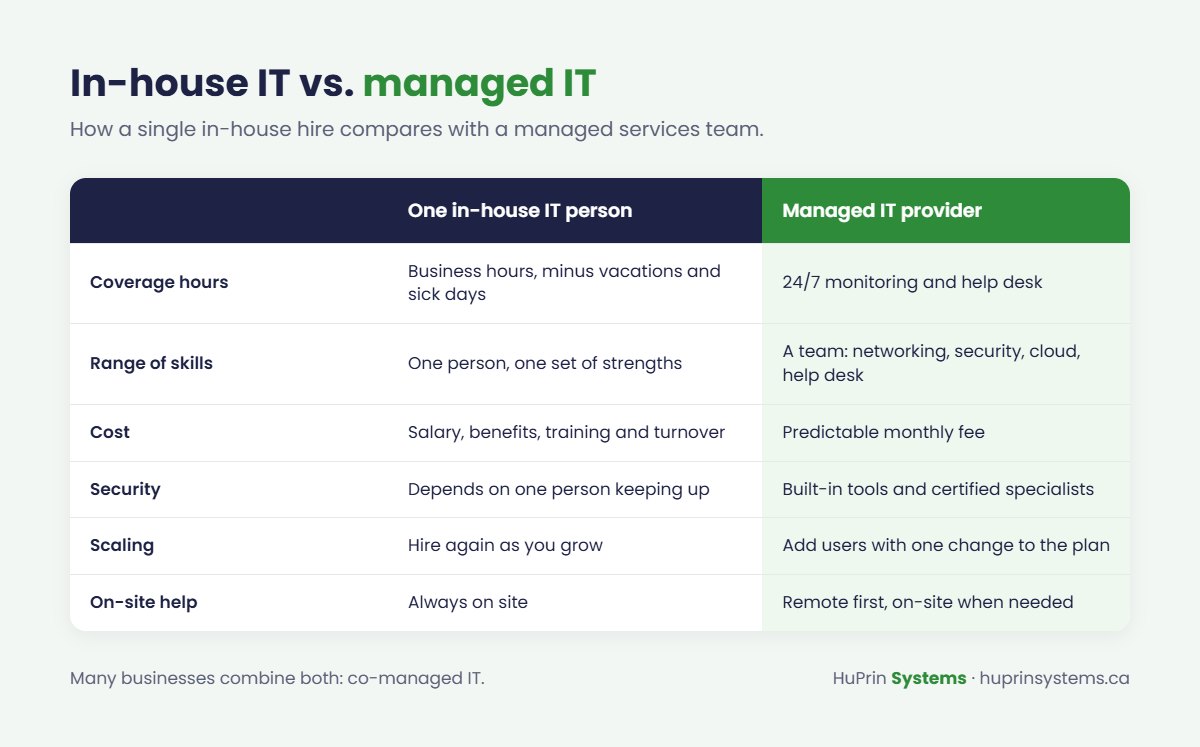
Many businesses use a mix of both. A managed provider can handle monitoring, security and after-hours coverage while your internal person focuses on day-to-day needs and projects. This is often called co-managed IT.
How managed IT pricing works
Most providers use one of three pricing models:
- Per user, per month. A set price for each employee, covering all of their devices and support. This is the most common model for small offices because it is simple to budget.
- Per device, per month. A price for each computer, server or network device. Useful when you have shared workstations or equipment that isn’t tied to one person.
- Flat monthly fee. A custom price based on an assessment of your environment.
Whatever the model, ask what is included and what is billed extra. Common extras are on-site visits, new projects such as an office move or server replacement, hardware and software licences.
8 questions to ask before choosing a provider
- What exactly is included in the monthly fee, and what costs extra? Get it in writing.
- What are your response times? Ask about both business hours and after hours, and how urgent issues are prioritized.
- Can you support us in English and French? Important if you have francophone staff or customers.
- Do you offer on-site support in Calgary? Remote support solves most issues, but some problems need someone in the room.
- How do you handle security and backups? Ask how often backups are tested and what happens if you are hit by ransomware.
- Where is our data stored? Many Canadian businesses prefer, or are required, to keep data in Canada.
- Which certifications does your team hold? Look for cloud, security and networking certifications from vendors such as Microsoft and Google.
- What happens if we leave? A good provider documents your environment and hands everything over cleanly.
Signs your business is ready for managed IT
- The same problems keep coming back, and nobody has time to find the root cause.
- You are not sure your backups work, or when they were last tested.
- Your “IT person” is also your office manager, bookkeeper or owner.
- You have had a security scare, such as a compromised email account.
- You are growing, opening a new location or moving to the cloud.
How HuPrin Systems can help
HuPrin Systems provides managed IT services for businesses in Calgary and across Canada, with on-site support in the Calgary area and a 24/7 bilingual help desk. Our engineers hold certifications across cloud, cybersecurity and networking, and we manage everything from Microsoft 365 and backups to firewalls, Wi-Fi and printers.
Every engagement starts with a free IT assessment. We review your network, devices, accounts, backups and security, then give you a clear written plan with priorities and pricing. Book your free assessment or call us at +1 (888) 576-8234.